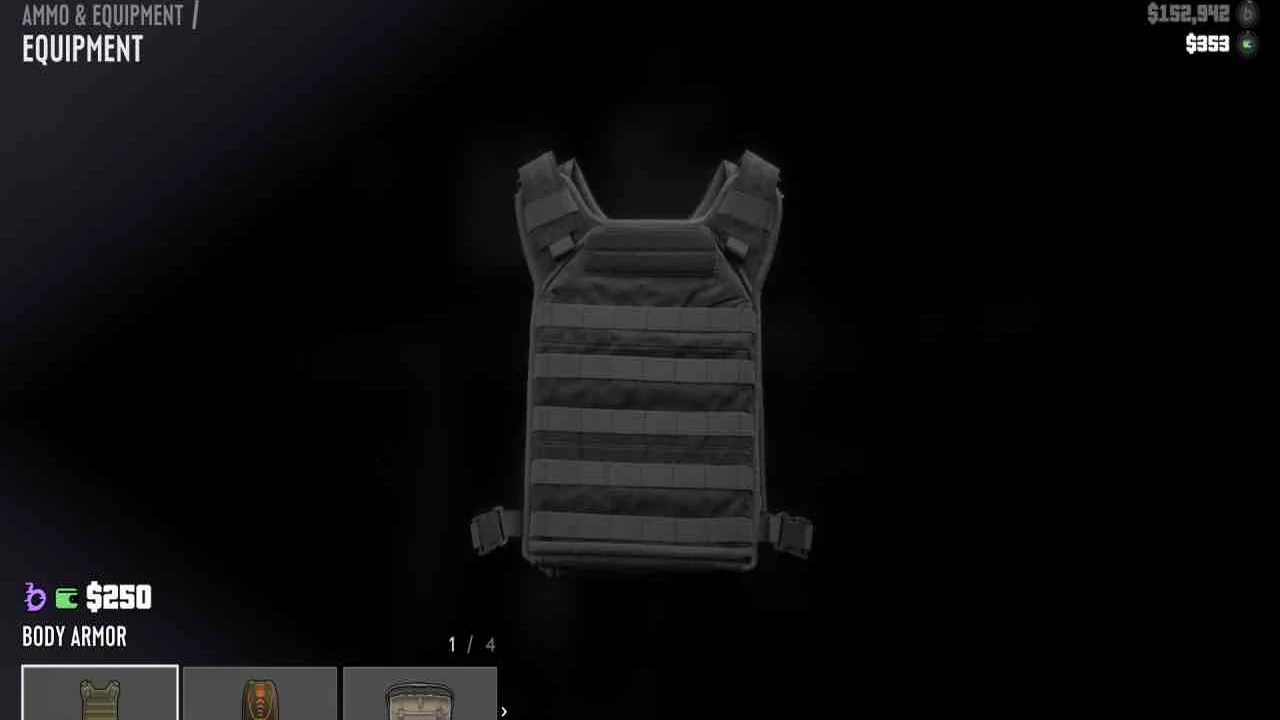
Overview
Buying armor and wearing it are separate actions. Check for the blue armor bar before starting a fight.
Equip the vest
- Visit Ammu-Nation and ask the clerk for Equipment. The early Key Lento store also displays armor on its right wall.
- Hold L1/LB, switch to the item wheel with R1/RB, highlight armor and use X/A to enable it.
- Look for the blue bar above health. Replace a depleted vest by finding or buying another one.
No armor bar?
Reopen the item wheel and check that armor is switched on. Ownership alone does not protect you, and an empty vest will not refill simply by waiting.
Maps & operation screenshots
*Purchase body armor from the equipment menu.*Select body armor from the item wheel to equip it.
Common questions
I bought armor. Why is there no blue armor bar?Purchase and equip are separate steps. Open the item wheel, select Body Armor and turn it on; then check the blue bar above health.
Key facts
1 key facts Key actionBuy at Ammu-Nation → Equipment, then enable armor in the item wheel.
Related pages
Entity links *Mechanic Gameplay guideParachute: Where to Buy & How to Equip Story *Mechanic Gameplay guideExpanded Gun Stores & Heavy Weapons Story